
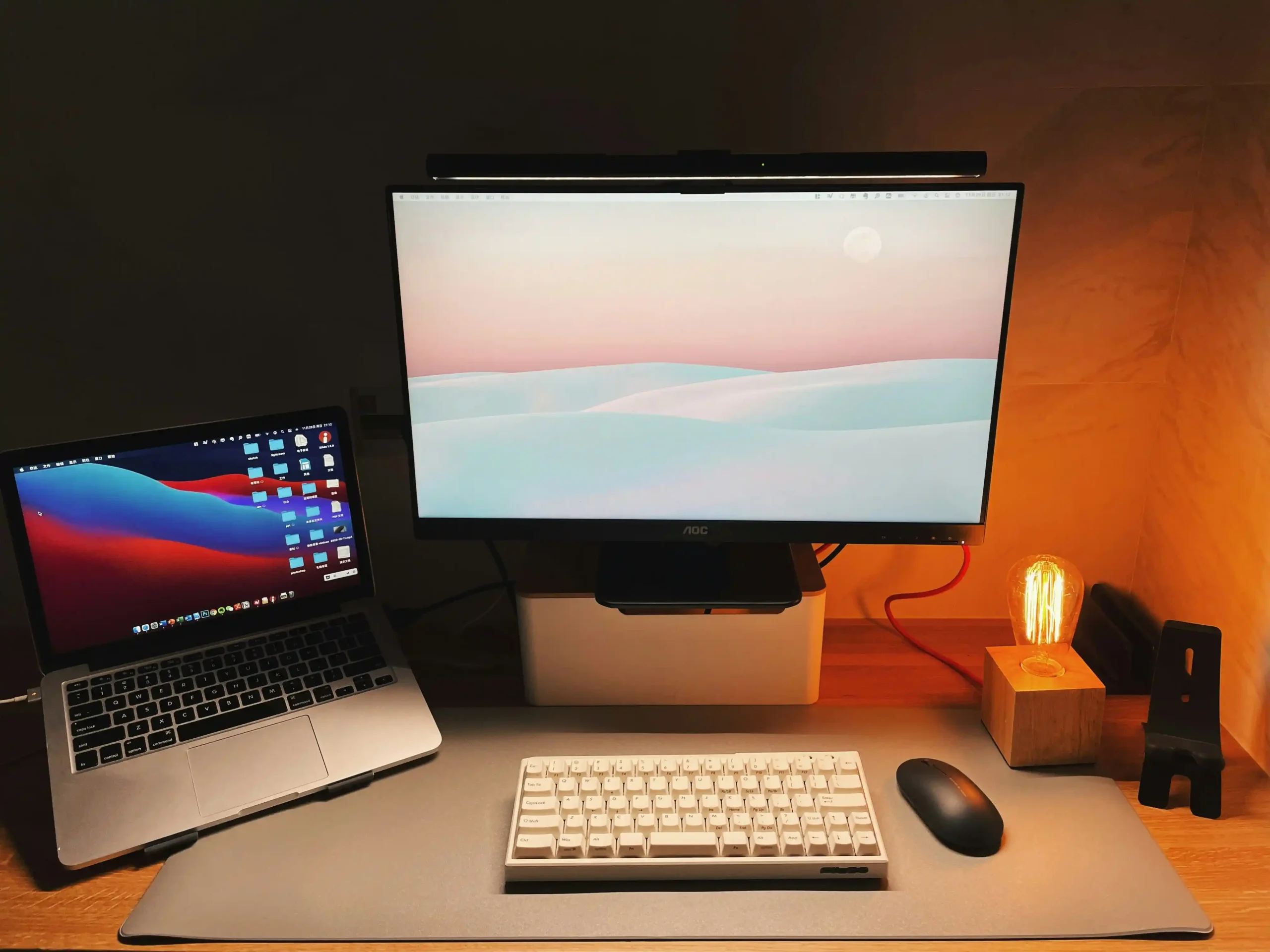
If you’re deciding between Windows vs Mac in 2026, the best choice depends on how you actually use your laptop: work, study, content creation, gaming, or business. In 2026, both platforms are fast, AI-enhanced, and capable—but they win in different areas.
This guide compares Windows vs Mac in 2026 by performance, battery, AI features, software compatibility, gaming, price, and ecosystem—so you can choose confidently.
Quick Verdict (2026)
Choose Windows in 2026 if you want:
- More laptop choices (budget to premium)
- Better gaming and wider game support
- Strong compatibility with specialized software
- More upgrades and customization (on many models)
Choose Mac in 2026 if you want:
- Excellent battery life and power efficiency
- Smooth performance for creative tasks
- A stable, consistent experience across devices
- The best integration with iPhone/iPad
Performance: Who Feels Faster in Real Life?
Windows performance in 2026
Windows laptops now come with multiple chip options (Intel, AMD, and ARM-based Windows PCs). The upside is variety—ultrabooks, gaming laptops, business machines, and budget models.
Windows wins when you need:
- Maximum hardware options (CPU/GPU combinations)
- Specialized performance setups (gaming + high GPU power)
- Upgrade paths on certain laptops (SSD/RAM on some)
Windows downside: performance and battery can vary a lot depending on brand and model.
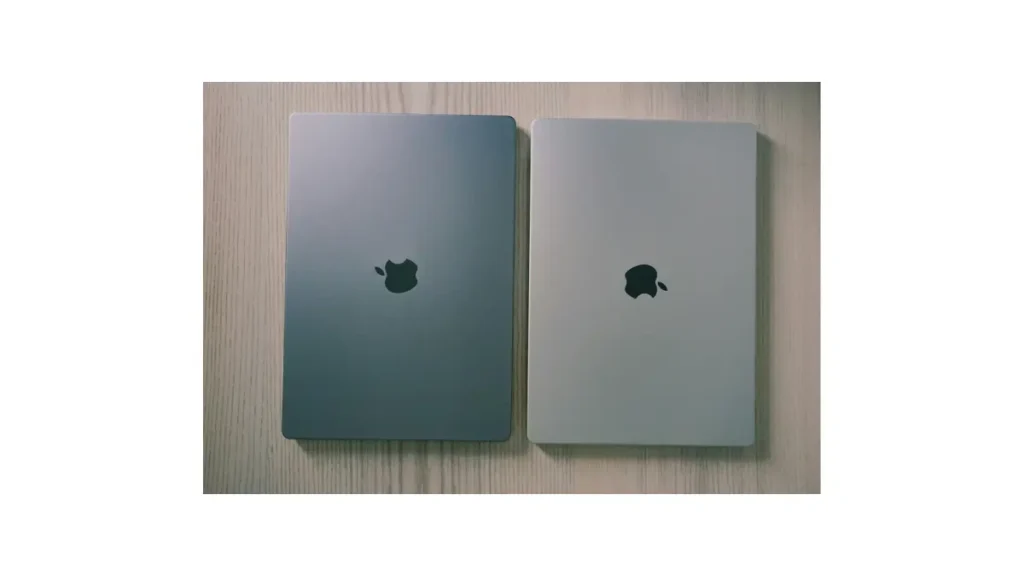
Mac performance in 2026
MacBooks are built around Apple Silicon and are known for consistent performance, low heat, and strong efficiency.
Mac wins when you need:
- Reliable speed without loud fans
- Strong creative performance (editing, design, production)
- Great performance even on battery power
Mac downside: fewer hardware choices and limited upgrades.
Battery Life & Portability
Battery is one of the biggest deciding factors in 2026.
MacBook advantage: Many MacBooks can deliver all-day battery with stable performance.
Windows advantage: Some Windows laptops can match great battery life, but it depends heavily on the model—gaming laptops usually prioritize power over longevity.
Rule of thumb: If you hate carrying chargers → Mac is usually the safer pick.
Software Compatibility (The Practical Difference)
Windows in 2026
Windows still offers the widest software support. If your job or school requires specific apps, Windows is often the easiest choice.
Best for:
- Engineering and specialized tools
- Enterprise and office environments
- Legacy software compatibility
- Broader hardware driver support
Mac in 2026
macOS shines when apps are optimized for it—especially creative tools and smooth productivity workflows.
Best for:
- Video editing and media work
- Music production
- Design and UI/UX workflows
- Long-term stability
Gaming: Windows Still Dominates
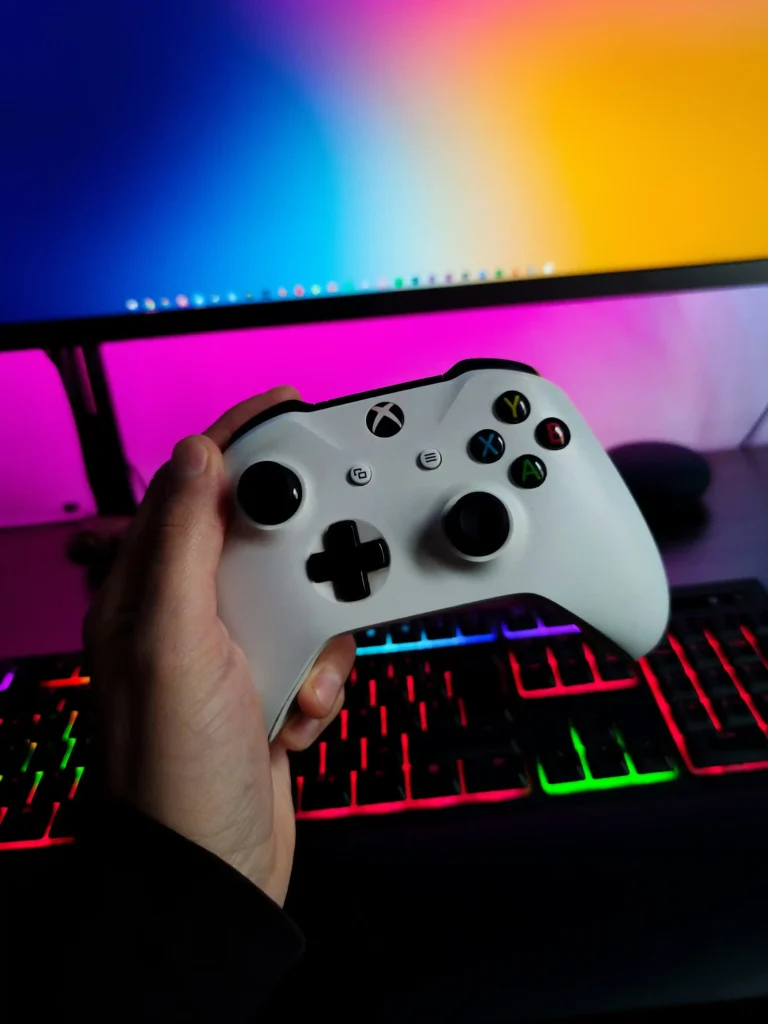
If gaming matters, Windows is the clear winner in 2026.
Why Windows wins:
- Better GPU support and drivers
- Massive game library
- Strong compatibility with Steam/Epic and major titles
Mac gaming has improved, but it’s still limited compared to Windows.
AI Features: Windows vs Mac in 2026
Both platforms are integrating AI more deeply than ever.
Windows AI in 2026
Windows is focusing on:
- AI tools built into the operating system
- AI-enhanced productivity features
- Strong support for AI-capable chipsets in new laptops
Mac AI in 2026
Apple’s direction tends to emphasize:
- More on-device processing (privacy-focused)
- Smooth integration into daily workflows
- AI that feels consistent rather than “gimmicky”
Simple takeaway: Windows pushes new AI features faster; Mac focuses on refinement and privacy.
Ecosystem: iPhone Users vs Everyone Else
Mac ecosystem advantage
If you use an iPhone or iPad, Mac often feels effortless:
- Quick file sharing
- Easy device continuity
- Messages/calls integration (depending on setup)
Windows ecosystem advantage
Windows fits better if you mix brands:
- More flexibility (Android, iOS, mixed devices)
- Easier to build a custom setup without being locked into one ecosystem
Price & Value in 2026
Windows
Windows laptops cover every price point:
- Budget options for students
- Midrange productivity machines
- Premium ultrabook
- High-performance gaming laptops
Mac
MacBooks cost more upfront, but:
- Build quality is consistent
- Long-term software support is strong
- Resale value is often higher
Best Choice by User Type (2026)
Best for students
- Windows if budget matters
- Mac if you want longevity + battery + stability
Best for creators (editing, design, media)
- Mac in most cases
Best for gaming
- Windows always
Best for business & flexibility
- Windows for widest tool compatibility
- Mac for teams already using Apple devices
Final Recommendation
If you want a safe “no-regrets” choice:
- Pick Windows if you need flexibility, gaming, or specialized software.
- Pick Mac if you value battery, efficiency, and a smooth creative workflow.
FAQ
Is Windows or Mac better in 2026?
Windows is better for flexibility, gaming, and software compatibility, while Mac is better for battery life, creative work, and Apple ecosystem integration.
Is Mac worth buying in 2026?
Yes. MacBooks remain worth buying in 2026 due to efficiency, battery life, strong resale value, and long-term stability.
Can Macs replace Windows laptops in 2026?
For most users, yes. But Windows is still better if you need gaming, certain professional software, or specific hardware support.
Which is better for students in 2026?
Windows is better for students on a budget. Mac is better for students who prioritize battery life, creative work, and long-term reliability.
Leave a Reply